Here’s a scene I keep coming back to.
A customer success team spends three months building a beautiful training program. Courses designed, content uploaded, learners enrolled. The platform looks great in screenshots. The launch email gets a respectable open rate.
And then? Support tickets don’t move. Adoption numbers don’t move. Nobody can tell you what’s happening because the platform’s reporting maxes out at “completion rate,” which is just telling you how many people clicked the last slide.
I’ve evaluated enough of these tools to know that the gap between a platform that looks good and one that actually works for external learners is specific and measurable. It comes down to how the platform isolates client data, how well the learning experience is designed for people who don’t have to finish your course, and whether the analytics connect to actions you can take.
That’s what this list is built around.
This guide is for:
- Customer success and customer education teams building structured external training programs
- Product teams trying to reduce support load through self-serve learning
- L&D professionals at SaaS and B2B companies scaling customer onboarding
- Training managers evaluating their first dedicated customer learning platform
What Is an LMS for Customer Education?
The distinction from a standard corporate LMS matters more than most buying guides will tell you. When you’re training your own employees, data isolation between user groups isn’t a serious concern. When you’re training two competing enterprise clients on the same customer learning platform, it absolutely is. Those clients should never see each other’s discussion boards, completion data, or course activity. A platform that can’t guarantee that it isn’t a real customer education platform, regardless of what the feature page says.
The second distinction is engagement design. Internal training has compliance requirements to drive completion. Customer training doesn’t. Your customers have no organizational obligation to finish your course. The platform has to earn their attention through interactive content, clean navigation, and a learning experience that feels like it’s worth their time. That’s a fundamentally different design problem, and it’s why the right LMS for customer education looks different from the right LMS for employee training.
11 Best Customer Education Platforms in 2026
Below is a quick comparison of every tool in this list, including Capterra ratings, to give you a starting reference before the full reviews.
| Tool | Best For | Capterra Rating |
| ProProfs Training Maker | AI-powered course creation and scalable training | 4.8/5 |
| Adobe Learning Manager | Collaborative and social learning | 4.3/5 |
| Thinkific Plus | Course creators selling training at scale | 4.5/5 |
| Thought Industries | Gamified enterprise customer education | 4.4/5 |
| Skilljar | Video-based customer training | 4.6/5 |
| Docebo | Complex enterprise training programs | 4.4/5 |
| Continu | Webinars and virtual events | 4.6/5 |
| WorkRamp | Third-party integrations and CRM connectivity | 4.5/5 |
| UserGuiding | Interactive product tours and in-app onboarding | 4.7/5 |
| Whatfix | Digital adoption for SMEs | 4.6/5 |
| BrainCert | Virtual classrooms for modern enterprises | 4.4/5 |
1. ProProfs Training Maker – Best AI-Powered LMS for Customer Education
ProProfs Training Maker is a cloud-based, AI-powered LMS for customer education that I’ve found genuinely useful for building training at speed without sacrificing structure
The fastest path to a course here is a prompt: type what you want to teach, and the AI assembles a full training program. You can try it yourself below, type “Create a customer success course that helps users achieve their goals using our product”.

Let ProProfs AI create your training course
If you’d rather start with something proven, there are 500+ expert-built, ready-to-use courses on topics that actually come up in external training, from product onboarding to compliance basics.
What makes this work as a customer learning platform is the combination of customization and tracking. You can white-label the learning environment to match your brand, build role-based learning paths so different customer segments see what’s relevant to them, and pull real-time reports on completion, quiz performance, and where learners are dropping off.
The 70+ language support is a practical advantage for global customer bases. For teams running an LMS for customer education at scale, gamification (badges, leaderboards, points) and branched scenarios help keep external learners engaged when there’s no compliance mandate pushing them through.
Pros:
- AI course creation cuts build time dramatically, especially for teams without dedicated instructional designers
- 500+ pre-built courses give you an immediate library to customize rather than starting from scratch
- Robust quiz and assessment tools with anti-cheating settings, useful when certification accuracy matters
- Full white-labeling and brand customization for a consistent customer-facing experience
- Real-time analytics with completion tracking, progress reports, and actionable performance insights
- 70+ language support for global customer training programs
- Integrates with CRM, HR, and SSO tools; supports SCORM for importing existing content
Cons:
- No on-premise or downloadable setup; cloud-only
- No dark mode for low-light use
Pricing: Free plan available. Paid plans start at $1.99/active learner/month, with the Business plan at $3.99/active learner/month.
2. Adobe Learning Manager – Best for Collaborative and Social Learning
Adobe Learning Manager handles something most standalone customer education platforms struggle with: making learning feel like a community activity rather than a solo slog through slides.
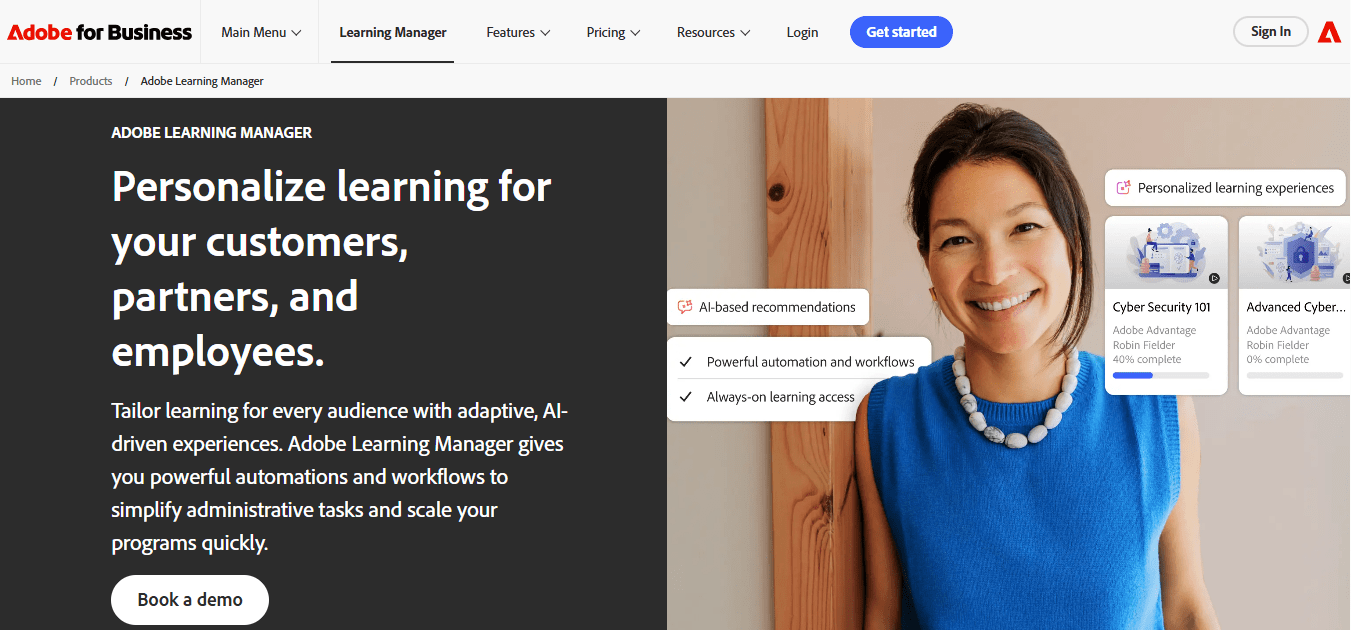
The platform blends online and offline learning modes, supports peer interaction, and uses machine learning to personalize learning paths based on each user’s preferences and progress.
For customer education teams at larger organizations, the integration story is a real advantage. It connects smoothly with Adobe’s ecosystem and with third-party tools, and the analytics give you a clear read on program impact. The interface is modern and responsive across devices.
Where it shows friction is in the initial setup; you’ll likely need a dedicated administrator, and some users report a learning curve before things run smoothly. The custom pricing model also means budget conversations take longer than expected.
Pros:
- Unified learning experience across devices and platforms, including offline modes
- Machine learning-powered personalization adapts paths to individual users
- Strong collaborative features, including badges, peer feedback, and discussion
- Detailed analytics for measuring program impact
- Automated learning plans to reduce administrative overhead
- Modern, responsive interface
Cons:
- Technical issues and bugs reported by users, especially on initial setup
- Limited out-of-the-box branding customization compared to competitors
- Requires significant admin investment to configure and maintain
Pricing: Custom pricing
3. Thinkific Plus – Best for Course Creators Selling Customer Training at Scale
Thinkific Plus is built for organizations that want to monetize their customer education, not just deliver it. The platform handles course creation, ecommerce, and white-labeling in one place, and it comes with a dedicated customer success team that most SaaS customer learning platforms skip entirely.
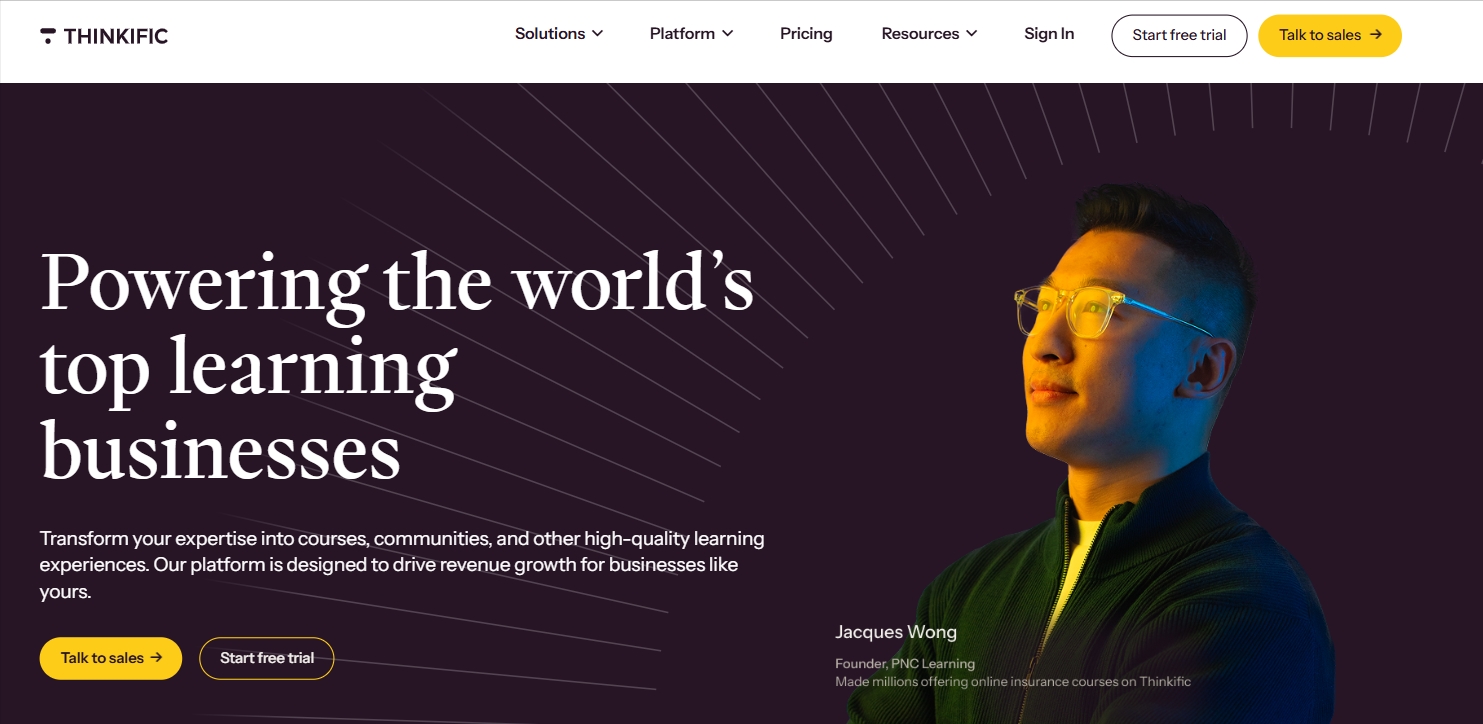
If you’re building a paid training academy or running tiered-access programs for different customer segments, Thinkific Plus has the infrastructure to support it.
The customization depth is genuine: SSO, white-labeling, custom CSS, and a robust API for connecting to the rest of your stack.
Where I’d flag caution is on the technical lift. Managing multiple sites and environments takes real setup time, and some third-party integrations require workarounds. The $36/month starting price is accessible, but more complex configurations can push costs higher fast.
Pros:
- Native ecommerce and monetization tools built directly into the platform
- Dedicated customer success team with domain expertise
- White-labeling, SSO, and custom CSS for fully branded customer learning academies
- Scalable architecture handling multiple products and environments
- Strong API and app ecosystem for custom integrations
- Enterprise-grade security features
Cons:
- More technical setup than most customer education teams anticipate
- Some third-party integrations have compatibility gaps
- Costs escalate when managing multiple branded sites
Pricing: Starts at $36/month billed annually
4. Thought Industries – Best for Gamified Customer Learning Programs
Thought Industries specializes in customer-facing learning at the enterprise level, and gamification is where it genuinely earns its place. The platform doesn’t give you a generic badge library and call it done.
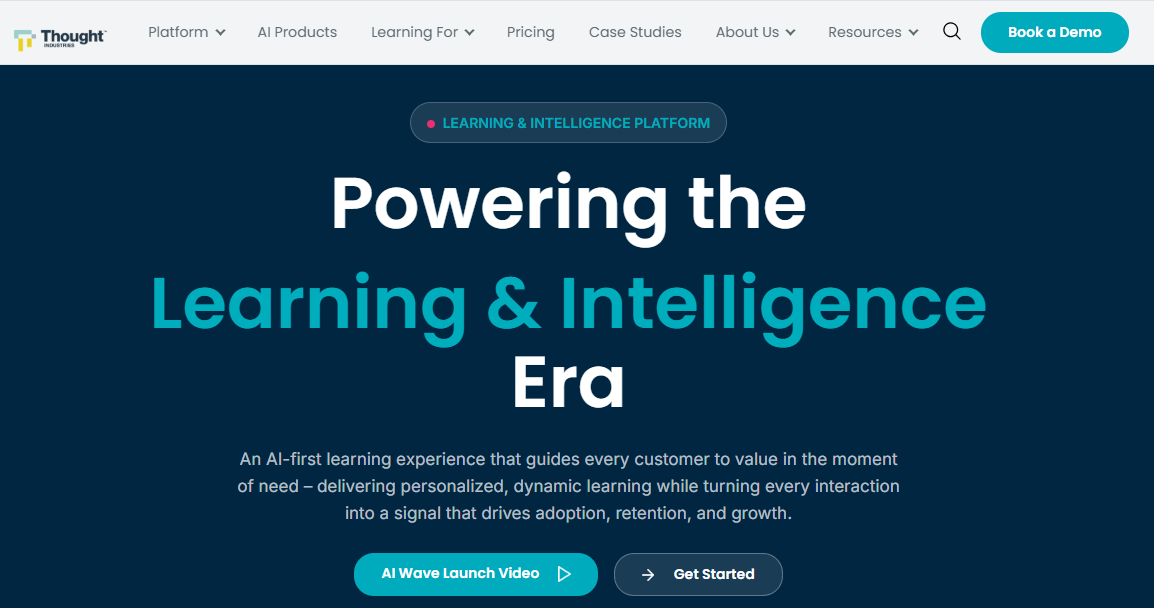
You can upload your own branded badges tied to specific milestones, and the game mechanics are configurable enough to actually match your brand and audience rather than looking like a recycled template.
Beyond gamification, the built-in authoring, ecommerce, and multi-tenant delivery give you a self-contained customer courses platform. The reporting connects gamification elements directly to training outcomes, so you can see whether the leaderboard is actually driving completion or just adding noise.
The navigation can get confusing for administrators managing complex setups, and the multilingual support has real gaps in some UI areas. But for enterprise teams running large-scale customer education programs that need to feel genuinely engaging, this is worth a serious look.
Pros:
- Custom-branded gamification with uploadable badges tied to specific milestones
- Integrated authoring, ecommerce, and multi-tenant delivery in one platform
- Highly customizable interface aligned to brand design
- Analytics connecting gamification directly to training outcomes
- Supports panoramas and interactive content types beyond standard slides
- Strong client-level reporting
Cons:
- Multilingual support has gaps; some platform areas can’t be translated
- Admin navigation becomes confusing in complex multi-environment setups
Pricing: Starts at $4,188/year
5. Skilljar – Best for Video-Based Customer Training Programs
Skilljar is built around the premise that your customers learn best by watching, which holds true for most software product education. You can upload native video and audio directly, embed from YouTube or Vimeo, and build multi-pathway curricula based on user role, use case, or skill level.
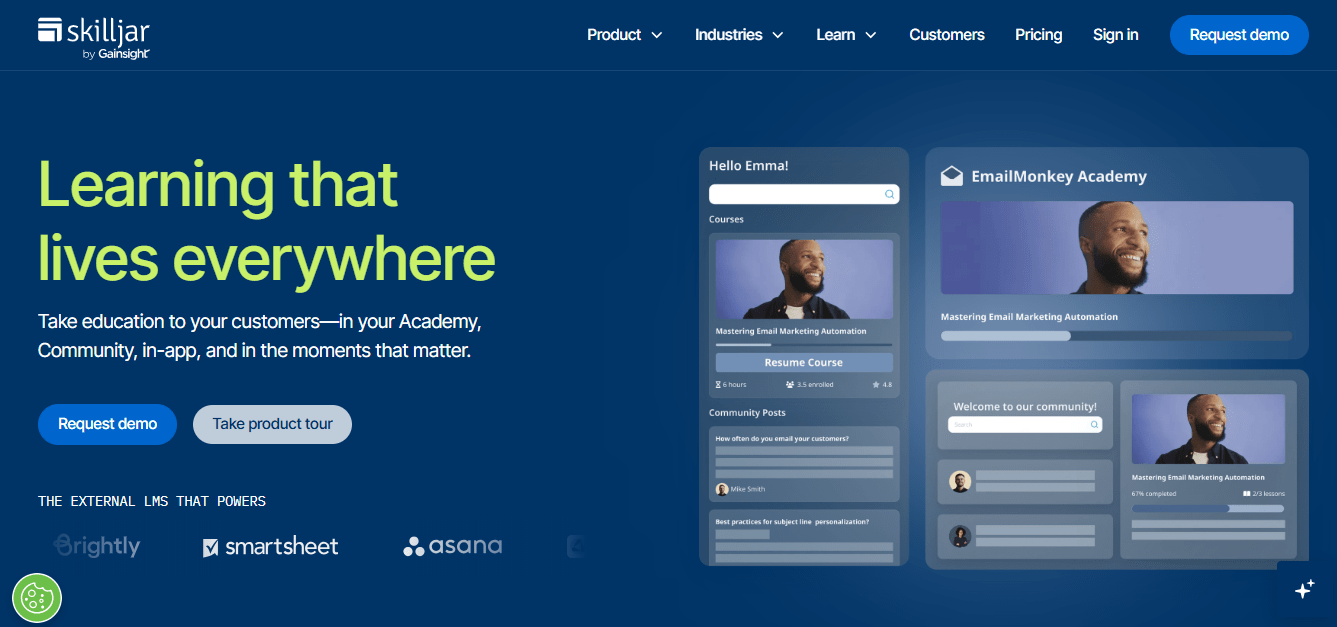
The learner experience is clean, and the analytics suite gives you a real picture of how video content is actually performing across your customer base.
The integration list is practical for customer success teams: Salesforce, Zendesk, Marketo, Stripe. If your customer courses platform needs to talk to your CRM and billing system, Skilljar has native connectors that make that work without middleware gymnastics.
The main friction points are on the customization side. Advanced design changes require code, some data platform integrations need an add-on purchase, and custom design work can get expensive fast.
Pros:
- Native video upload plus embedding from major external platforms
- Multi-pathway curriculum design based on role, use case, and skill level
- Clean, intuitive learner interface with strong UX
- Comprehensive analytics dashboard for tracking progress and content performance
- Native integrations with Salesforce, Zendesk, Marketo, and Stripe
- eCommerce and international currency support for monetized training programs
Cons:
- Advanced customization requires code knowledge and can be difficult to manage
- Some data platform integrations require a paid add-on
- Custom design work can be costly and time-consuming
Pricing: Custom pricing
6. Docebo – Best for Complex Enterprise Customer Training at Scale
Docebo is what you reach for when the program is genuinely complex and a standard LMS for customer education can’t keep up. Its AI capabilities go beyond basic course recommendations.
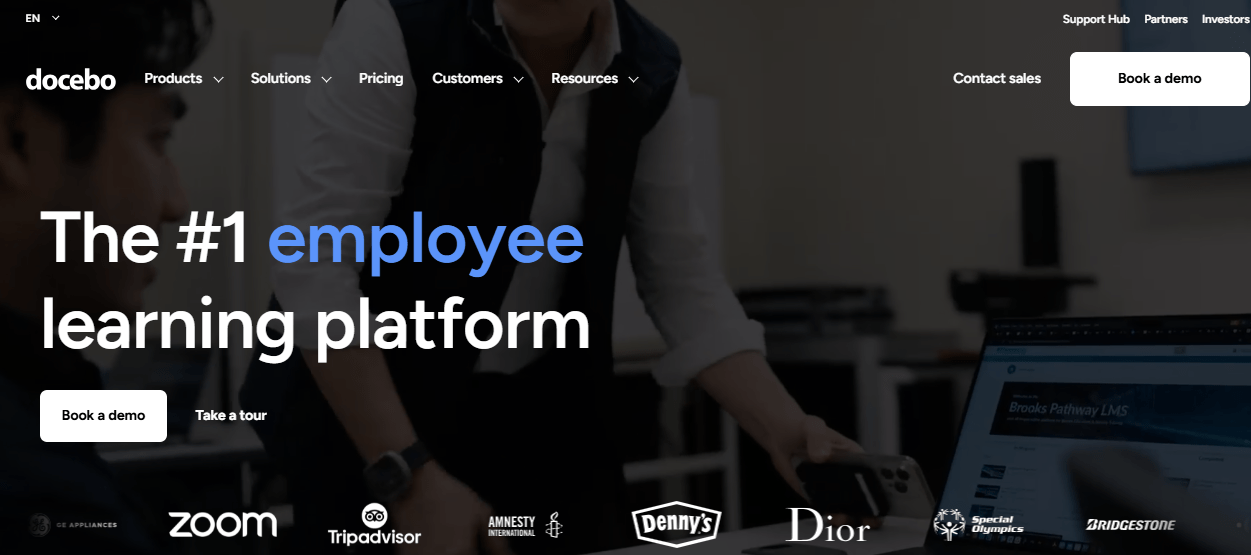
The platform acquired Edugo.AI’s generative AI technology, which means content creation, curation, and delivery can be automated and adapted to individual learner profiles at scale. For enterprise teams running global customer training programs with thousands of learners across product lines, that kind of infrastructure is a prerequisite, not a bonus.
SCORM and AICC compatibility ensures existing content migrates cleanly. Integration with professional authoring tools like Elucidat and Lectora gives instructional designers the flexibility to build in the tools they know.
The downsides are real: $25,000/year puts this firmly in enterprise territory, some users report performance and login issues, and there’s no offline access for learners.
Pros:
- AI-powered personalization adapting content to individual learner needs and preferences
- SCORM and AICC compliant for clean content migration
- Integration with professional authoring tools including Elucidat and Lectora
- Strong gamification with leaderboards and badges
- Continuously expanding AI capabilities for content creation and curation
- Enterprise-grade scalability for large, global customer education programs
Cons:
- Starts at $25,000/year, firmly in enterprise budget territory
- Some users report technical issues including slow loading and login instability
- No offline access to learning content
Pricing: Starts at $25,000/year
7. Continu – Best for Webinars and Virtual Events Within Customer Training
Continu earns its spot here for one specific use case: organizations that treat live events and webinars as a core pillar of their customer education strategy, not an afterthought bolted onto a course library.
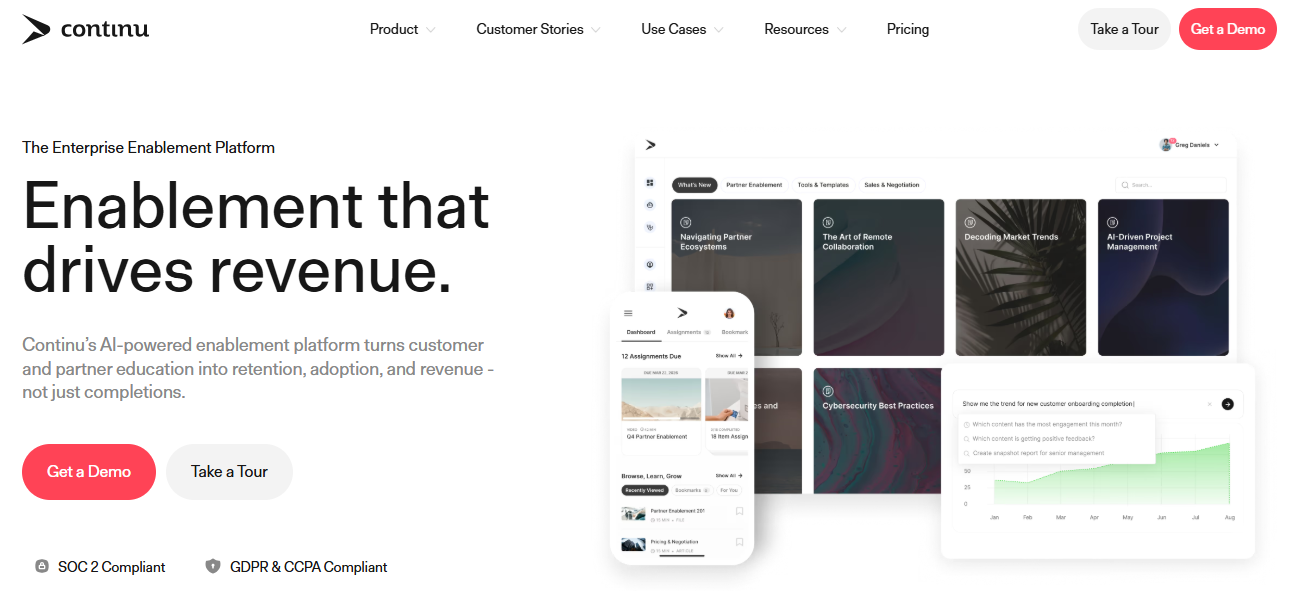
The platform either runs webinars natively or integrates with Zoom, GoToWebinar, and Webex, and it handles the full logistics of ILT sessions, including waitlists, attendance tracking, and automation. The interface design is genuinely good, one of the cleaner ones in this customer learning platform category.
Smart Segmentation lets you customize delivery by geography, department, or custom variables, so different customer groups get different learning experiences without you manually managing separate environments.
The main limitation worth knowing: the integration library is narrower than enterprise competitors, and the platform has a real learning curve for new administrators. Starting at $1,000, it’s reasonably accessible.
Pros:
- Built-in webinar and virtual event delivery with full ILT support
- Native integrations with Zoom, GoToWebinar, and Webex for live training
- Smart Segmentation for customized delivery by geography, department, or custom variables
- VR/AR capabilities for immersive virtual events
- Multilingual support for diverse customer audiences
- Dedicated customer success team included
- Self-directed learning features to reduce support load
Cons:
- Integration library narrower than most enterprise LMS competitors
- Higher learning curve for new administrators than the marketing suggests
Pricing: Starts at $1,000
8. WorkRamp – Best for Third-Party Integrations and CRM-Connected Training
WorkRamp’s entire value proposition is data connectivity, and it delivers on that. The platform integrates natively with BambooHR, Slack, Salesforce, Zendesk, Workday, and JumpCloud, so customer training completions, certifications, and progress data flow directly into the tools your CS and sales teams already use.
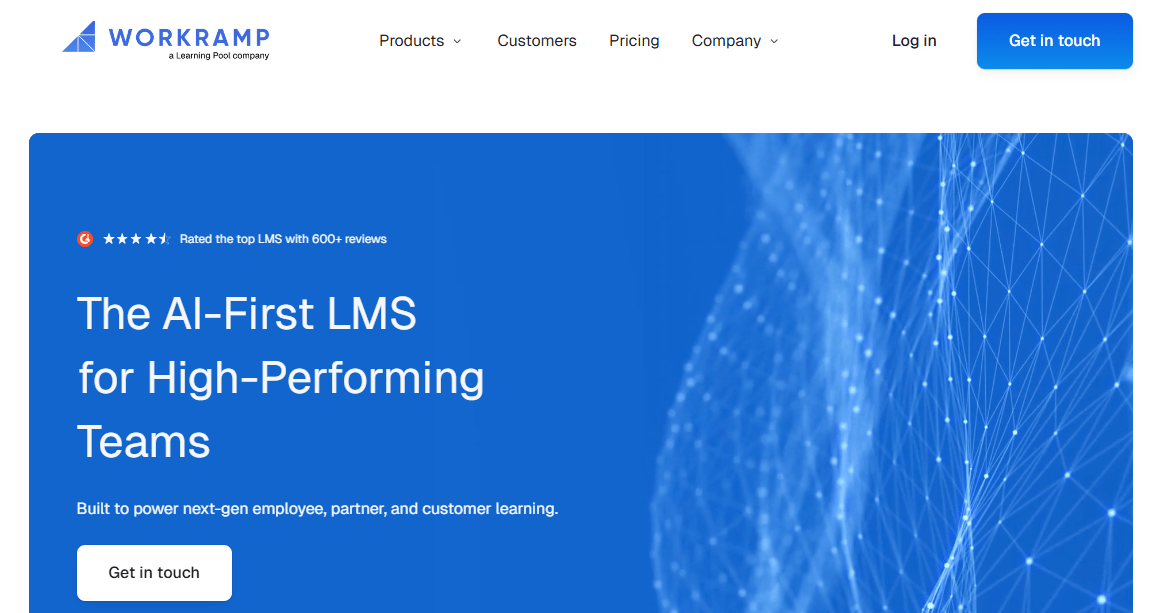
For organizations where training data needs to appear in Salesforce alongside deal and health scores, WorkRamp makes that configuration straightforward.
The drag-and-drop course builder and self-guided learning paths give content creators enough flexibility to build solid customer courses without great technical skill. White-labeled training academies maintain brand consistency across customer segments.
Where WorkRamp shows its limits: no direct HTML or CSS editing for course design, no native gamification or badging, and video must be hosted externally. If your customer courses platform strategy is primarily video-driven, that’s a genuine constraint worth weighing.
Pros:
- Native integrations with Salesforce, Slack, BambooHR, Zendesk, Workday, and JumpCloud
- AI and ML-driven personalized learning recommendations based on customer behavior and goals
- Drag-and-drop course builder with self-guided and automated learning paths
- White-labeled training academies with custom domain and branding
- Automated notifications and reminders via Slack and email
- Role-based and segment-based learning path assignment
Cons:
- No direct HTML or CSS editing for course design customization
- No native gamification or badging
- Videos must be hosted externally; no direct upload
Pricing: Starts at $25 to $35/user/month
9. UserGuiding – Best for Interactive Product Tours and In-App Customer Onboarding
Let me be upfront about what UserGuiding is, because it’s a different category from the other tools on this list. It’s a digital adoption platform, not a traditional LMS for customer education.
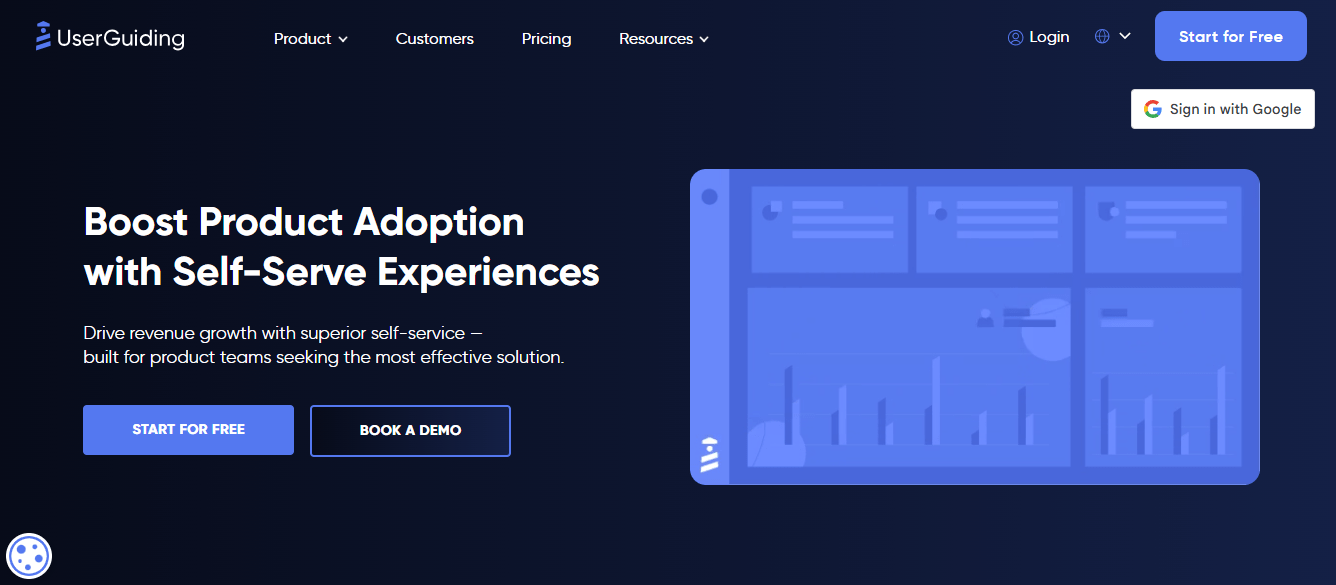
What it does well is in-app guidance: interactive walkthroughs, tooltips, modals, checklists, and hotspots that teach customers how to use your product without leaving the app to take a structured course.
For SaaS companies specifically, this is genuinely valuable. The drag-and-drop builder requires no coding, and the segmentation feature lets different customer types receive tailored tours based on behavior, attributes, or custom criteria.
The analytics show you how guides are performing, where customers are dropping off, and what’s working. The limitations are real: no native mobile app, no offline mode, limited import/export options. Think of UserGuiding as a complement to a structured customer education platform, not a replacement for one.
Pros:
- Code-free creation of interactive product tours, walkthroughs, and tooltips
- Intuitive drag-and-drop builder with customizable templates
- Segmentation by user behavior, attributes, or custom criteria for targeted onboarding
- Hotspot feature highlights important UI elements during guided learning
- Integrates with existing customer learning platforms for a combined approach
- Strong analytics for measuring guide performance and customer behavior
Cons:
- No native mobile app solution
- No offline mode
- Limited import and export options
Pricing: Starts at $89/month billed annually
10. Whatfix – Best for Digital Adoption and In-App Guidance for SMEs
Whatfix, like UserGuiding, is a digital adoption platform. It earns a spot here because for many SMEs, the real customer training problem isn’t a missing course library. It’s that customers can’t figure out what to do next inside the product.
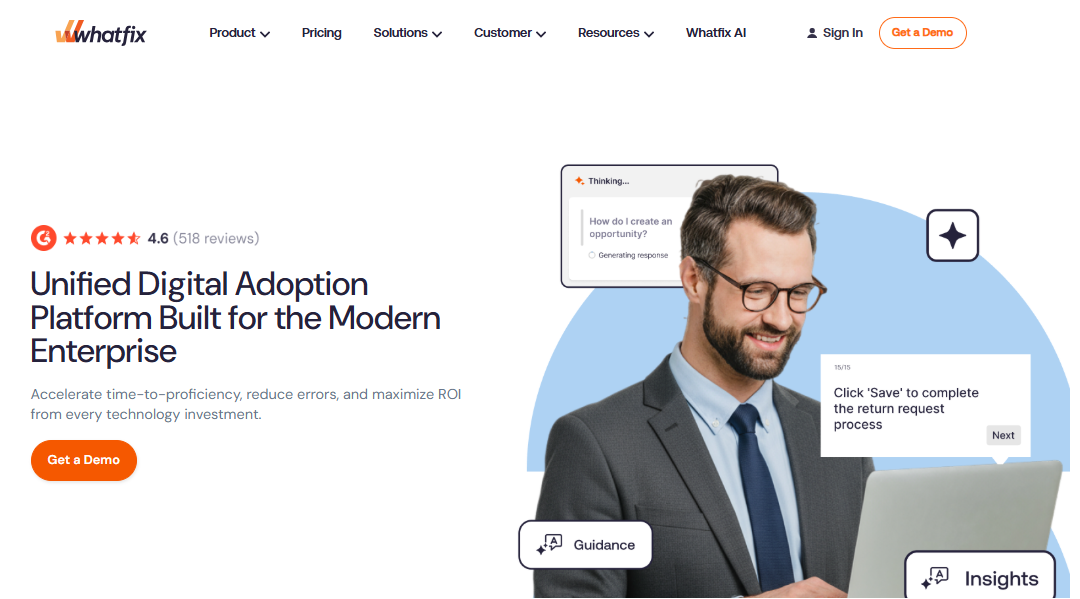
Whatfix delivers contextual guidance in the flow of work: interactive walkthroughs, smart tips, self-help menus, and task-specific guidance that appear as native elements inside the application, with no context switching required.
The no-code editor means customer success and product teams can build and update guides without developer involvement. Personalization by user segment and role is built in, so different customer groups get different in-app experiences.
The product analytics layer helps you identify where customers get stuck and optimize accordingly. Where Whatfix gets difficult is at the edges: advanced integrations and complex configurations may need technical support, and the $14,000 starting price is a real commitment for smaller teams evaluating it as a customer courses platform.
Pros:
- In-app guidance delivered natively within the customer’s workflow
- No-code editor for building interactive walkthroughs and guides
- Personalization by user segment, role, and behavior
- Integration with product analytics and customer support tools
- Brand-matched guide design with custom logos, colors, and fonts
- Product analytics to identify friction points and optimize the customer experience
Cons:
- Advanced configurations and integrations may require technical skills
- Starting at $14,000, a significant investment for smaller organizations
Pricing: Starts at $14,000
11. BrainCert – Best for Virtual Classrooms and Modern Enterprise Customer Training
BrainCert handles a specific task well: live, instructor-led customer training at enterprise scale. The virtual classroom supports video conferencing, an interactive whiteboard, screen sharing, breakout rooms, polling, and live chat, all within the platform.
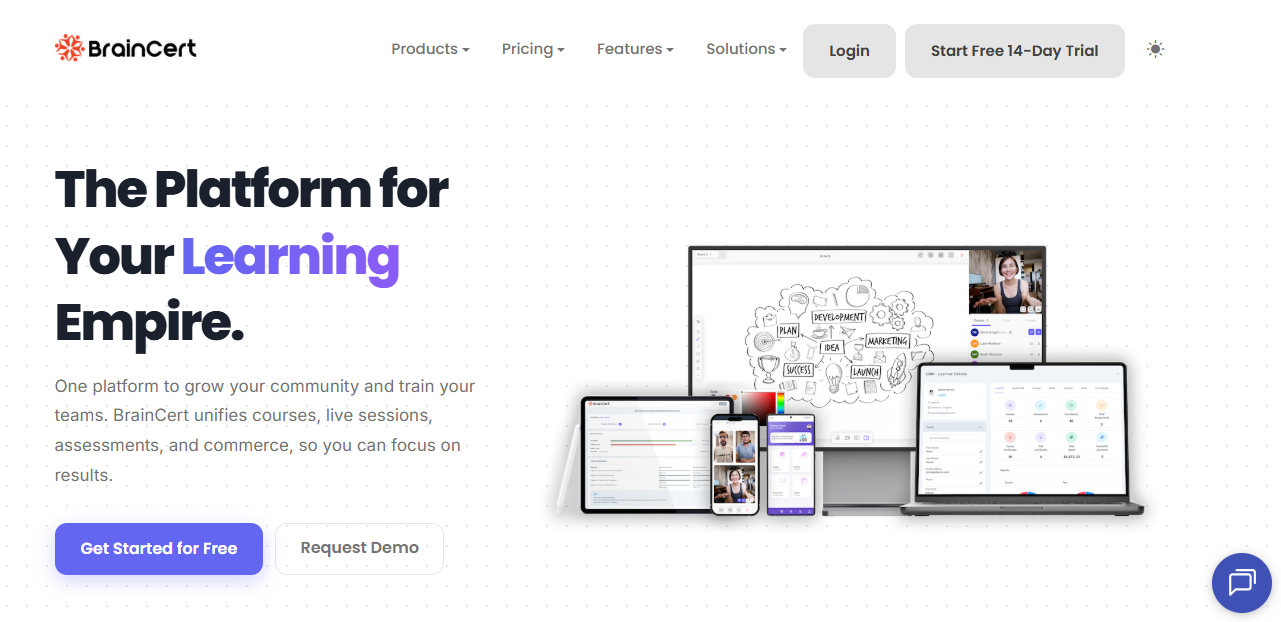
For organizations that run regular live sessions with customers as a core pillar of their customer education platform strategy, BrainCert’s infrastructure is purpose-built for exactly that.
The course creation tools cover the standard formats: quizzes, surveys, assignments, badges, and certificates. Multi-domain and custom branding capabilities mean that different customer groups can operate in environments that look and feel separate from one another.
The practical limits are worth noting: there’s no native iOS or Android app, which limits the mobile experience, and there’s no live chat or phone support, which creates a slower response loop when something breaks.
Pros:
- Enterprise-grade virtual classroom with live video, interactive whiteboard, screen sharing, and breakout rooms
- Drag-and-drop course builder supporting any file type with interactive elements
- Multi-subdomain capability with independent branding, roles, and settings per environment
- Secure online testing with adaptive questions and remote proctoring
- Gamification, badges, and certificates for motivation and recognition
- 300+ core features with rich third-party integrations
Cons:
- No native mobile app for iOS or Android
- No live chat or phone support; response times can be slow
Pricing: Starts at $39/month billed annually
Which Are My Top 3 Picks for Customer Education?
If I had to narrow this entire list down to three platforms for most customer education and training teams, here’s where I’d land, and why.
ProProfs Training Maker is my first call for teams that need to launch quickly, need real tracking for external learners, and want the flexibility of a full LMS for customer education without enterprise overhead or enterprise pricing. The AI course creation, the 500+ pre-built library, and the active learner pricing model make it practical for programs at almost any scale. Start here.
Skilljar is where I’d go for teams where video is the backbone of the learning experience and Salesforce connectivity is non-negotiable. If training completion data needs to live inside your CRM alongside deal and health data, Skilljar’s native integrations handle that without middleware.
Northpass is the right call for SaaS companies that want to embed customer education inside the product itself. The in-product academy, offline access, and mobile responsiveness address the actual access patterns of software customers in a way that most traditional customer learning platforms don’t.
How Did I Evaluate These Customer Education Platforms
I didn’t rely solely on vendor websites or feature lists. To identify the best LMS platforms for customer education and training, I focused on the factors with the greatest impact on customer onboarding, product adoption, and learner engagement.
Ease of setup: How quickly can teams launch customer training programs without extensive technical support?
Learner experience: Are courses engaging, easy to access, and designed for external audiences who aren’t required to complete training?
Scalability: Can the platform support growing customer bases, partner training programs, and certification initiatives without performance issues?
Customization and branding: Does the platform allow organizations to create a seamless, branded learning experience for customers?
Reporting and insights: Can teams track course completion, engagement, certifications, and other metrics that help improve training outcomes?
Pricing and value: Are pricing plans transparent, and do the features justify the investment as training programs grow?
I also reviewed user feedback from G2 and Capterra, paying close attention to comments from SaaS companies, training providers, and businesses using these platforms to educate and support their customers.
What Should You Know Before Choosing a Customer Education LMS?
After reviewing dozens of customer education platforms, a few patterns kept showing up. The teams that were happy with their LMS made these considerations early. The teams that weren’t usually overlooked one of them.
1. Don’t Overlook Multi-Tenancy
This is one of the most underrated requirements in customer education.
Many LMS platforms were originally built for employee training, where separating data between organizations isn’t a major concern. Once you’re training external customers, especially in B2B environments, that changes quickly.
If two of your customers happen to be competitors, you need confidence that their learners, data, reports, and discussions remain completely separate. Whenever I evaluate a platform, I ask vendors exactly how customer data is isolated and what client-level controls are in place.
2. Remember: Your Customers Aren’t Employees
Employees often have organizational incentives to complete training. Customers don’t.
I’ve found that static courses, repetitive templates, and click-through content are usually the fastest way to lose learner attention. The LMS should support engaging learning experiences that make customers want to continue, not feel obligated to.
Interestingly, this comes up frequently in discussions on r/instructionaldesign, where practitioners often share frustrations about creating engaging customer training experiences on platforms that were never designed for external audiences.
3. Be Careful With the “All-in-One” Promise
Many buyers look for a single platform that can handle customer onboarding, product training, in-app guidance, marketing content, certifications, and community engagement.
In my experience, that rarely works as well as expected.
A more practical approach is using an LMS for structured learning, a digital adoption platform for in-app guidance, and video or knowledge-sharing tools for product walkthroughs. Specialized tools tend to deliver a better experience than one platform trying to do everything.
4. Make Sure Reporting Is Useful for Customers Too
Reporting shouldn’t only help your team.
If you’re training customers at scale, especially in B2B organizations, your clients will often want visibility into their team’s progress, certifications, and completion rates. Before committing to a platform, I always check whether reports can be shared easily at the client level.
A dashboard accessible only to administrators often creates more work than it saves.
Is There a Checklist for Evaluating a Customer Learning Platform?
Use this before shortlisting any tool.
- Does the platform support multi-tenant data isolation at the individual client level?
- Can you embed a branded learning academy inside your product or website?
- Does it support SCORM for importing existing content?
- Can it generate isolated, shareable reports for individual client organizations?
- Is the learner experience genuinely mobile-responsive, including offline access?
- Does it integrate natively with your CRM, CS platform, and billing system?
- Can learning paths be automatically assigned based on customer segment or role?
- Is there a free plan or pilot option before a full commitment?
Stop Picking Tools. Start Defining the Problem.
Customer education platforms have come a long way, but the best ones do more than deliver training. They help improve product adoption, reduce support requests, and drive customer success. The difference often comes down to three things: strong multi-tenant capabilities, engaging learning experiences, and actionable analytics.
A good place to start is customer onboarding. It’s one of the most impactful training programs because it directly influences how quickly customers see value from your product. Before launching, define a few key metrics, such as course completion rates, time-to-first-value, and support tickets during the first 30 days. Then, run a pilot group and use the results to guide your next steps.
If you’re looking for a customer education platform that supports onboarding, certification, and ongoing customer training without charging for inactive users, ProProfs Training Maker offers a free plan that’s worth exploring before making a long-term commitment.
Frequently Asked Questions
What is an LMS for customer education?
A customer education LMS is a platform built to train external users (customers, partners, resellers) rather than internal employees. It typically includes branded portals, multi-tenant data isolation, ecommerce, and CRM integrations. The key difference from a corporate LMS is that it must earn learner engagement without compliance requirements.
What is the difference between a customer education LMS and a corporate LMS?
A corporate LMS trains employees who have organizational incentives to complete training. A customer education platform must isolate client data, support white-labeling, handle external ecommerce, and deliver engaging experiences for people with no obligation to finish. The design problems are genuinely different.
What is the best LMS for customer training in 2026?
ProProfs Training Maker, Skilljar, and Northpass consistently rank as strong options depending on use case. ProProfs suits teams needing fast course creation with real analytics. Skilljar fits video-heavy programs with CRM integration needs. Northpass is strongest for SaaS companies embedding a customer learning platform inside their product.
How do I choose the right customer education platform?
Start with multi-tenancy (can client data be fully isolated?), engagement design (will external learners actually complete it?), and integration depth (does it connect to your CRM and CS tools?). Then evaluate the pricing model against your expected learner volume and run a real pilot with actual customers before scaling.
Can a customer training LMS integrate with Salesforce?
Yes. Skilljar, WorkRamp, and ProProfs Training Maker all support Salesforce integration. Depth varies; some offer bidirectional data sync while others push completion data only. Confirm exactly which data flows between systems before committing to any customer courses platform.
How much does a customer education platform cost?
Pricing ranges widely. ProProfs starts at $1.99/active learner/month. Northpass starts at $200/month. Thinkific Plus at $36/month. Docebo and Whatfix start at $25,000 and $14,000/year, respectively. Most platforms offer free trials or demos before you commit.
What is multi-tenancy in a customer education LMS?
Multi-tenancy means the platform hosts multiple separate client environments on one system, with each client's data, users, courses, and discussions completely isolated. It's critical for B2B customer education where two clients might be direct competitors, and it's one of the first things to verify on any shortlisted platform.
What features should I look for in a customer learning platform?
Prioritize multi-tenant data isolation, branded portals, mobile responsiveness, CRM integration, automated learning paths by segment, and analytics that connect training activity to outcomes like support deflection and product adoption. Everything else is secondary.
Let ProProfs AI create your training course

 We'd love your feedback!
What did you like & how can we make it even better?
 Thanks for your feedback!
 Ask Your Question
Have a question? Get expert help to make your decision easier.